

Live event content creation for social media: the real-time capture, editing, approval, and publishing of event photos and videos for digital channels. Brands now expect same-day assets, not end-of-week recaps, which is why teams often turn to partners like Swissmoments for on-site production that keeps pace with the event itself. For more event media ideas, the Swissmoments blog is a useful starting point.
What workflow makes live event coverage fast enough for social channels?
A fast social workflow depends on pre-built roles, shot priorities, and a delivery path that starts before guests arrive. Content creation is the act of making and sharing digital media, and at an event that process has to be compressed into minutes, not days.
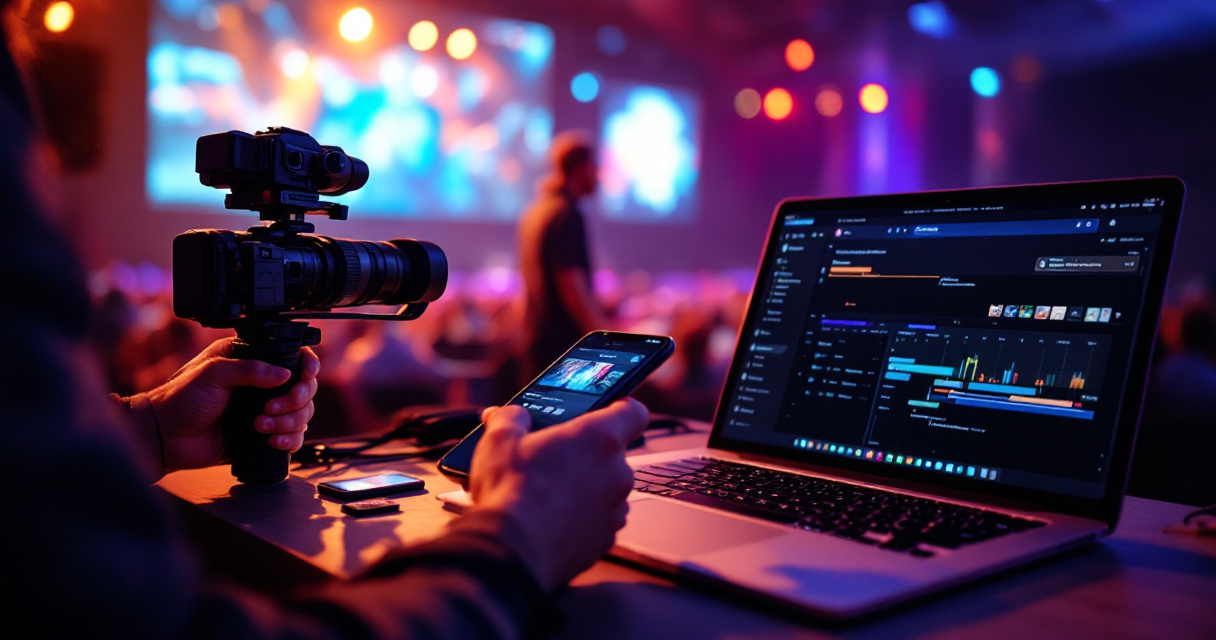
Core workflow stages
| Stage | Owner | Output |
|---|---|---|
| Pre-event planning | Brand + agency | shot list, format matrix, approvals map |
| On-site capture | photo/video team | short clips, speaker shots, crowd moments |
| Rapid edit | editor or hybrid shooter-editor | selects, crops, captions, branded templates |
| Approval | social lead or brand approver | approved story frames, reels, posts |
| Publish and archive | social team | live posts, backup folders, post-event library |
One team, one command chain
Keep the chain short. One approver, one editor, one publishing owner. That reduces bottlenecks during keynotes, award moments, or product reveals.
Key insight: the fastest teams don't capture everything, they capture what is already mapped to a publishing need.
For production planning, conference photography best practices and corporate video content for marketing both support this same principle: assign every asset a business use before the event starts.
Core workflow stages
Use a shared run-of-show, cloud folder naming rules, and pre-approved graphic templates so content moves from camera to social team without extra interpretation.
How should agencies and social teams handle approvals in real time?
Real-time approvals work best when legal, brand, and publishing rules are decided before the event, then applied through a simple escalation path. This matters even more in Switzerland, where image use and consent can affect what gets posted.

Approval checklist for live publishing
- Confirm who can approve posts during each event block.
- Separate low-risk assets, crowd scenes, venue atmosphere, from executive-sensitive clips.
- Pre-approve captions, hashtags, and design templates.
- Flag restricted speakers, VIP guests, or embargoed product details.
- Store approved files in a publish-ready folder.
User-generated content means content created by internet users, including images, videos, text, and testimonials. That makes repost permissions part of the workflow too, not an afterthought.
Research on AI-assisted work by Dwivedi, Kshetri, and Hughes (2023) examined how generative AI can support practice while raising governance questions, which fits event teams using AI for captions, selects, or clipping. For rights and organizer responsibilities, see event photography usage rights in Switzerland.
Approval checklist for live publishing
A lightweight system beats a perfect one. If your approver needs ten Slack messages and three file versions, your "live" content will miss the moment.
Which formats should you create for each platform in 2026?
Platform-specific formats win because audiences consume event media differently on LinkedIn, Instagram, and short-form video feeds. One master clip rarely performs well everywhere.
Best format match by channel
- LinkedIn: speaker soundbites, leadership quotes, polished recap carousels
- Instagram Stories: backstage clips, guest arrivals, live polls, sponsor tags
- Reels / short video: kinetic edits, product demos, audience reactions
- Internal channels: employer brand moments, awards, team culture highlights
A practical setup is one horizontal camera for archive and one vertical operator for instant delivery. Research on structured analysis methods by Naeem, Ozuem, and Howell (2023) reinforces a simple lesson: clear categorization improves decision-making. For events, that means sorting footage by platform and purpose while the show is still running.
Swissmoments applies this approach across launches, conferences, and branded experiences, pairing capture with quick-turn social outputs and longer-term assets. If you need examples, review event videography for corporate events and how brands use event photos for social media marketing. You can also head to swissmoments.ch for current service details and event coverage examples.
Best format match by channel
Build your shot list around deliverables, not equipment. If the goal is same-day reach, vertical clips, fast selects, and caption-ready files should be captured first.
Conclusion
Live event content creation for social media works when production, approvals, and publishing operate as one system. If your next conference or launch needs faster on-site delivery, plan the workflow early, define one approval owner, and contact Swissmoments through https://swissmoments.ch/contact-us/ or visit swissmoments.ch to scope a real-time coverage setup.
