

TL;DR
AI photobooth setup works best with a clear space plan, reliable power, tested internet, controlled lighting, and one trained operator. Event teams should adapt the layout for ballrooms, trade shows, offices, and outdoor activations before approving branding or guest-flow plans.
AI photobooth setup requirements now shape guest flow, lead capture, and branded content quality before an event opens. AI photobooth: an event photo station that captures a guest image, applies AI-generated styling or backgrounds, then delivers a digital or printed output. Swiss corporate teams can compare use cases in the Swissmoments AI photo booth guide.
Table of Contents
What are the minimum AI photobooth setup requirements?
The minimum setup for an AI photobooth is a stable device, camera, controlled lighting, power access, internet, branded backdrop, guest queue space, and a trained operator. Competitive 2026 setup guides commonly cite modern Windows or Linux laptops, while one hardware manual lists an Intel i5-9500 or above with 8 GB memory as a baseline.
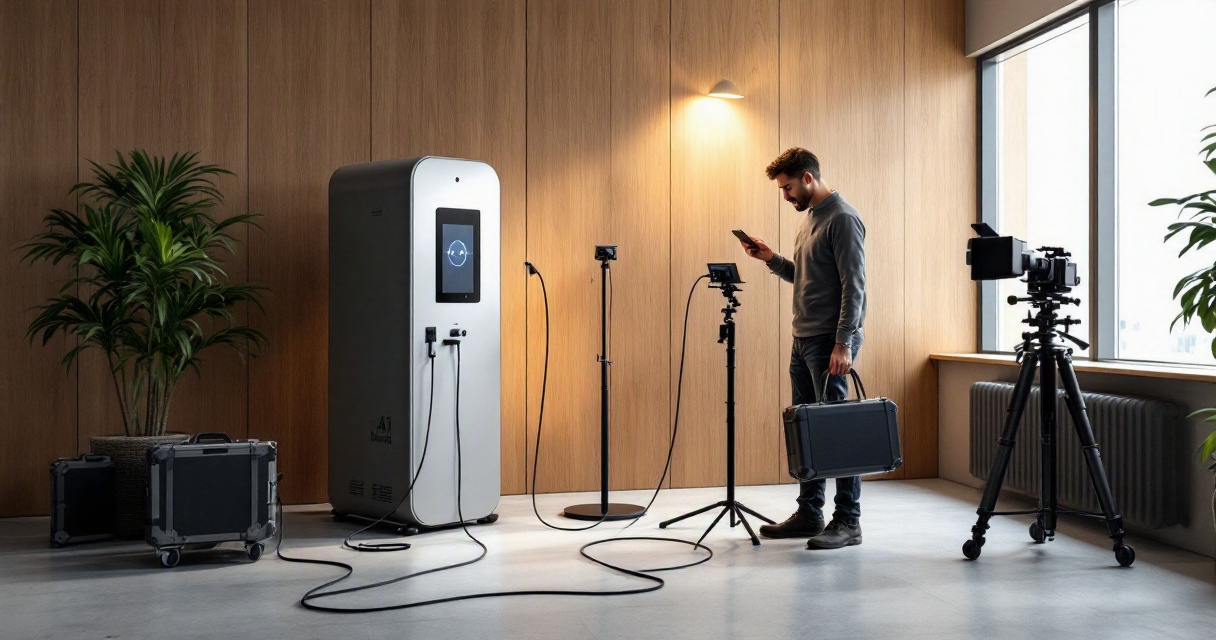
Key insight: the booth should be treated as a small live production point, not just a camera on a stand.
Core equipment checklist
| Requirement | Practical minimum | Planning note |
|---|---|---|
| Computer | Modern laptop or kiosk PC | Test AI rendering before doors open |
| Memory | 8 GB or more | Higher memory helps with faster previews |
| Camera | DSLR, mirrorless, webcam, or tablet camera | Match quality to event expectations |
| Power | Dedicated outlet near booth | Add taped cable routing |
| Internet | Venue Wi-Fi or mobile backup | Avoid relying only on guest Wi-Fi |
| Operator | 1 trained staff member | Needed for queues, resets, and consent |
For broader production planning, event teams often pair the booth with corporate event photography in Switzerland so hero images and guest-generated content follow one brand standard.
How much space, lighting, and branding does an AI booth need?
An AI booth usually needs enough room for the kiosk, camera distance, backdrop, guest posing area, and a separate waiting line. Lighting should be even across faces, branding should appear in the physical set and final output, and accessibility should leave clear movement space for guests, staff, and mobility aids.
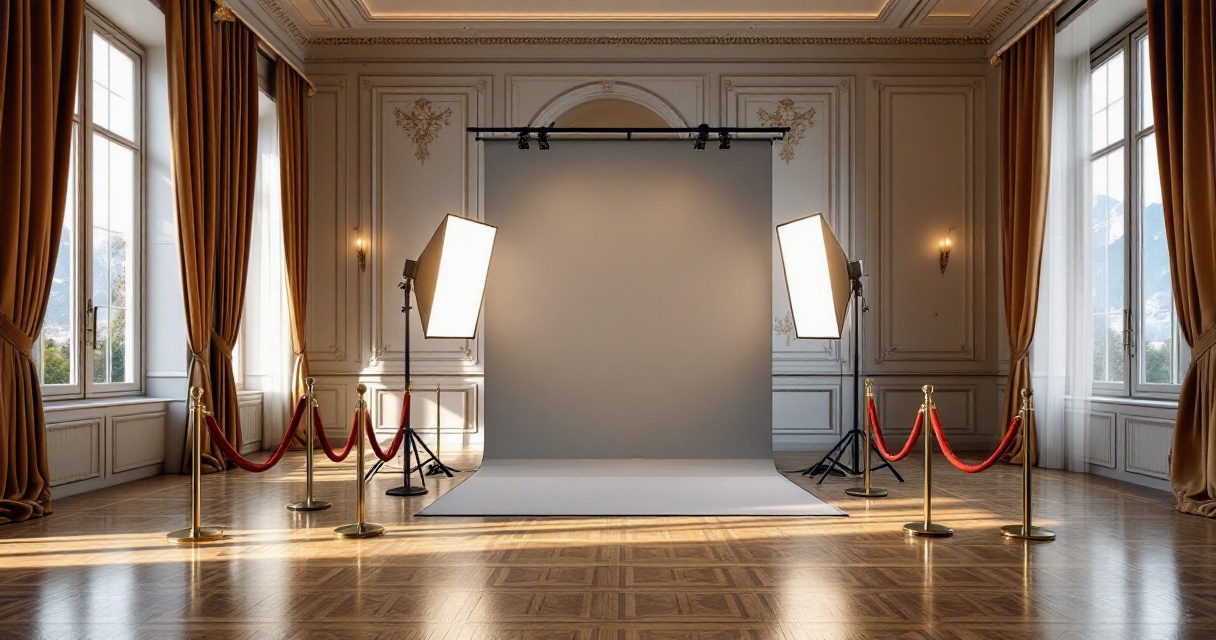
Poor layout creates slow queues, awkward crops, and sponsor logos hidden behind guests. Better layouts separate three zones: entry, capture, and exit delivery.
Venue-specific layout guidance
- Hotel ballroom: place the booth near reception or coffee breaks, not beside loud stage audio.
- Trade show floor: face the booth toward aisle traffic and protect the queue from blocking neighboring stands.
- Outdoor activation: add shade, weather cover, weighted stands, and a power backup.
- Office event: choose a wall with depth, quiet lighting, and enough privacy for staff participation.
Brand teams planning overlays, backdrops, and sponsor placement can use the principles in branding through event photography. For conference-heavy programs, AI photobooth planning for trade shows and conferences gives a deeper event-format checklist.
What operational checks prevent delays on event day?
Operational checks should confirm setup time, rendering speed, sharing flow, privacy wording, file delivery, and operator escalation before guests arrive. One 2026 FAQ in the search results states many providers can be operational in 15 to 30 minutes, but corporate events should still schedule a longer buffer for venue access and approvals.
Swissmoments recommends confirming branded templates, consent language, and Wi-Fi access during the production run sheet review, not during guest arrival.
Downloadable-style pre-event checklist
- Confirm floor plan, backdrop size, and queue direction.
- Test power, extension routes, and cable covers.
- Run sample portraits using final prompts and brand overlays.
- Check internet, QR delivery, email delivery, and mobile backup.
- Approve privacy notice, lead fields, and data export rules.
- Assign one operator and one venue contact.
- Schedule a rehearsal before VIPs or press arrive.
Lead capture adds another layer: fields should stay short, consent should be clear, and exports should match the CRM process. The workflow in AI photobooth lead capture is useful when photos also support sales or sponsor reporting. More planning resources are available on swissmoments.ch.
Conclusion
AI photobooth setup requirements are easiest to manage when space, power, internet, lighting, branding, accessibility, and staffing are approved as one production plan. For the next event, teams should request a venue floor plan, test the guest process, and brief Swissmoments early so the booth supports both experience and measurable content goals. Visit swissmoments.ch to plan the next activation.
